Create, share and track branded links
Branded links build trust and get 39% more clicks. Smart routing, real-time analytics, and instant editing give you complete campaign control.
Trusted by 1.5M customers worldwide



.svg)






Powerful link management in one location
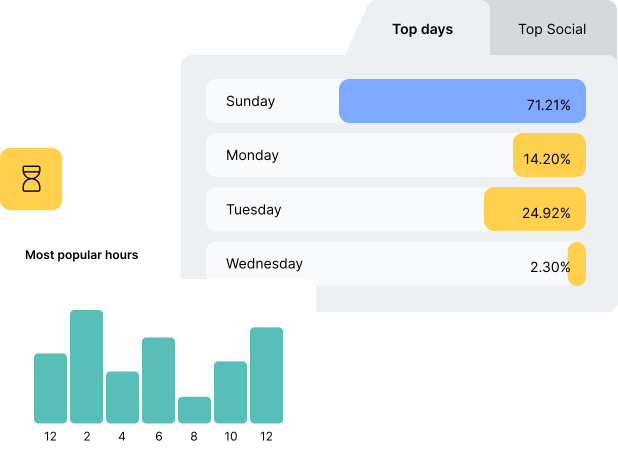
Track performance across
every channel
See email, social, paid, and organic performance in one place.
Set workspace-level parameters once. Never miss tracking data or deal with inconsistent codes again.
Learn who is interacting with your links based on location, device type and language.
Get more clicks and conversions
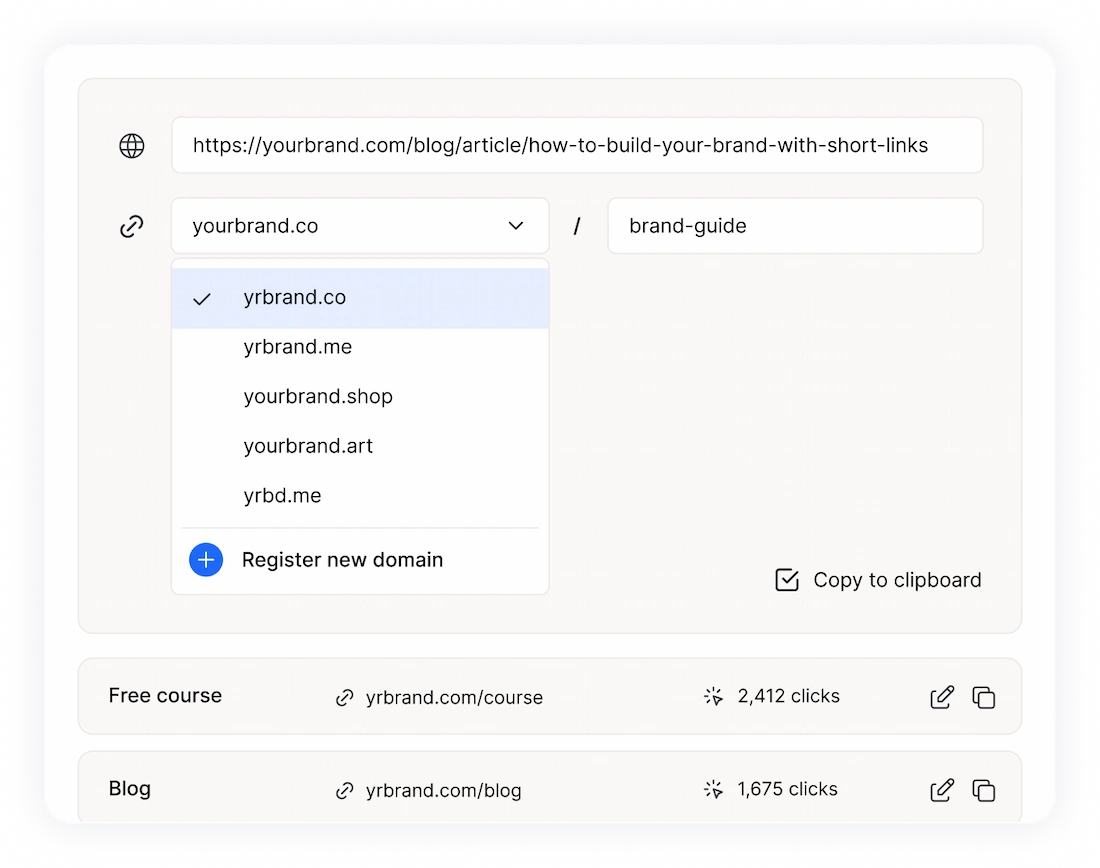
People click when they recognize your brand in the URL.
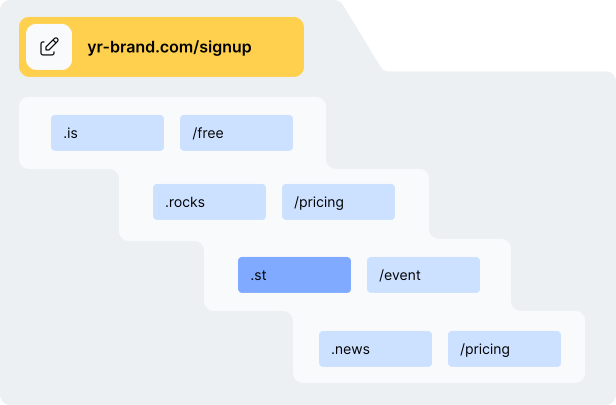
Use your own domain or pick from our library.
Send mobile users to apps, desktop to web, detect languages automatically, or route by location.
Keep control of your campaigns
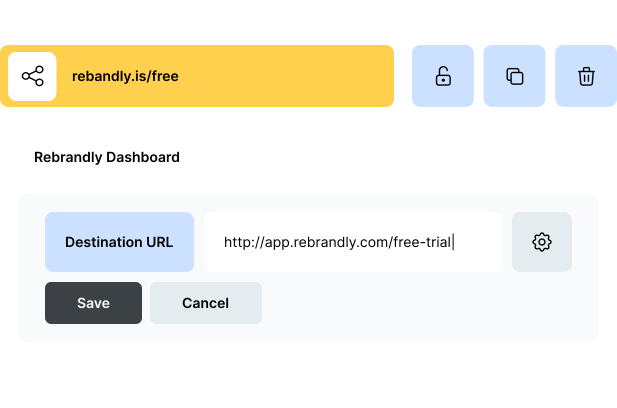
Update links instantly—even after they're live. Same link, new destination.
Tag and find links instantly. Set UTMs once per workspace. Search all campaigns in seconds.
Set expiration dates, add passwords, and control access.
Features that marketing teams rely on

Destination editing
Update any destination instantly without breaking the link.


Dynamic routing
Send mobile users to apps, desktop users to web, visitors to local pages

Link expiration
Set a custom expiration date for your links.

Team workspaces
Organize links by campaign, client, or project with full permission control.


UTM automation
Set parameters once and apply them everywhere.

Enterprise-grade security
99.99% uptime, SOC 2 Type 2, GDPR and HIPAA compliant




See what our customers say

“Rebrandly is the best. They create a crazy amount of volume with the highest deliverability and performance – more than a million links in a minute.”



“Rebrandly makes it super easy to create short links for the whole team. Before we used Bitly but that coordination was a nightmare. Now we have all our links in one place which also looks amazing.”

“Our URLs are long and people love to add UTMs, so branded links are much clearer for our marketing materials.”


“We chose Rebrandly for its powerful analytics capabilities. We use the platform to share our journalism solutions and training materials with newsrooms worldwide.”


“Rebrandly empowers us to keep tabs on our campaign performance worldwide.”

“Brand affinity is a unicorn for improving trust, click-through-rate and conversions. Rebrandly’s industry-leading tools help marketers brand and manage links for performance boosts across the funnel.”


“Having a short, easily intuitive link is powerful for us.”



Frequently asked questions
What integrations does Rebrandly support?

Connect Rebrandly with 50+ tools including Zapier, Slack, Chrome, HootSuite, and more. Create and share branded links without leaving your favorite marketing platforms.
Can multiple team members manage links?
Teams can collaborate in shared workspaces with customizable permissions. Organize links by campaign, set workspace-level UTM parameters, and control who can create, edit, or view different link sets.
Is Rebrandly secure for enterprise use?
Yes. We maintain 99.99% uptime, SOC 2 Type 2 certification, and full GDPR and HIPAA compliance. Your links and data are protected by enterprise-grade security.
What are the costs associated with using a CMS?
Every branded link automatically tracks clicks, geographic location, device type, referrer, and more. Add UTM parameters to integrate seamlessly with Google Analytics and other platforms. See all your data in real-time through the analytics dashboard.
What happens to my links if I need to change the destination?
You can update any link destination instantly, even after sharing it. The short link stays the same, but visitors get redirected to the new destination. Perfect for fixing mistakes or updating campaign pages.
How do branded links improve click-through rates?
Branded links increase clicks by 39% because people recognize and trust your brand. When someone sees your company name in the link, they know where it leads and who's behind it—making them much more likely to click.
What are branded links?
Branded links are shortened URLs that include your brand name instead of a generic domain. For example, yourbrand.link/sale instead of shortlink.ly/x7Yz9q. They're shorter, more trustworthy, and get significantly more clicks than generic short links.
Can I use my own domain for branded links?
Yes. You can connect any domain you own to create branded links, or choose from our extensive library of domain extensions. Pick domains that match your campaign—.shop for sales, .news for content, .click for CTAs etc.

Follow us


Download the app