Collaborate in shared workspaces
Organize links by campaign, brand, or client—and control who sees what—to scale link management across your team.
Trusted by 1.5M customers worldwide





.svg)










Smart organization for growing teams
Structure with powerful workspaces
Set up workspaces for specific teams, campaigns, or clients to keep projects organized and separate.
Color-code and categorize links by campaign, channel, or team member.
Search by workspace, tag, creator, or keyword. Never lose a link, even with thousands.
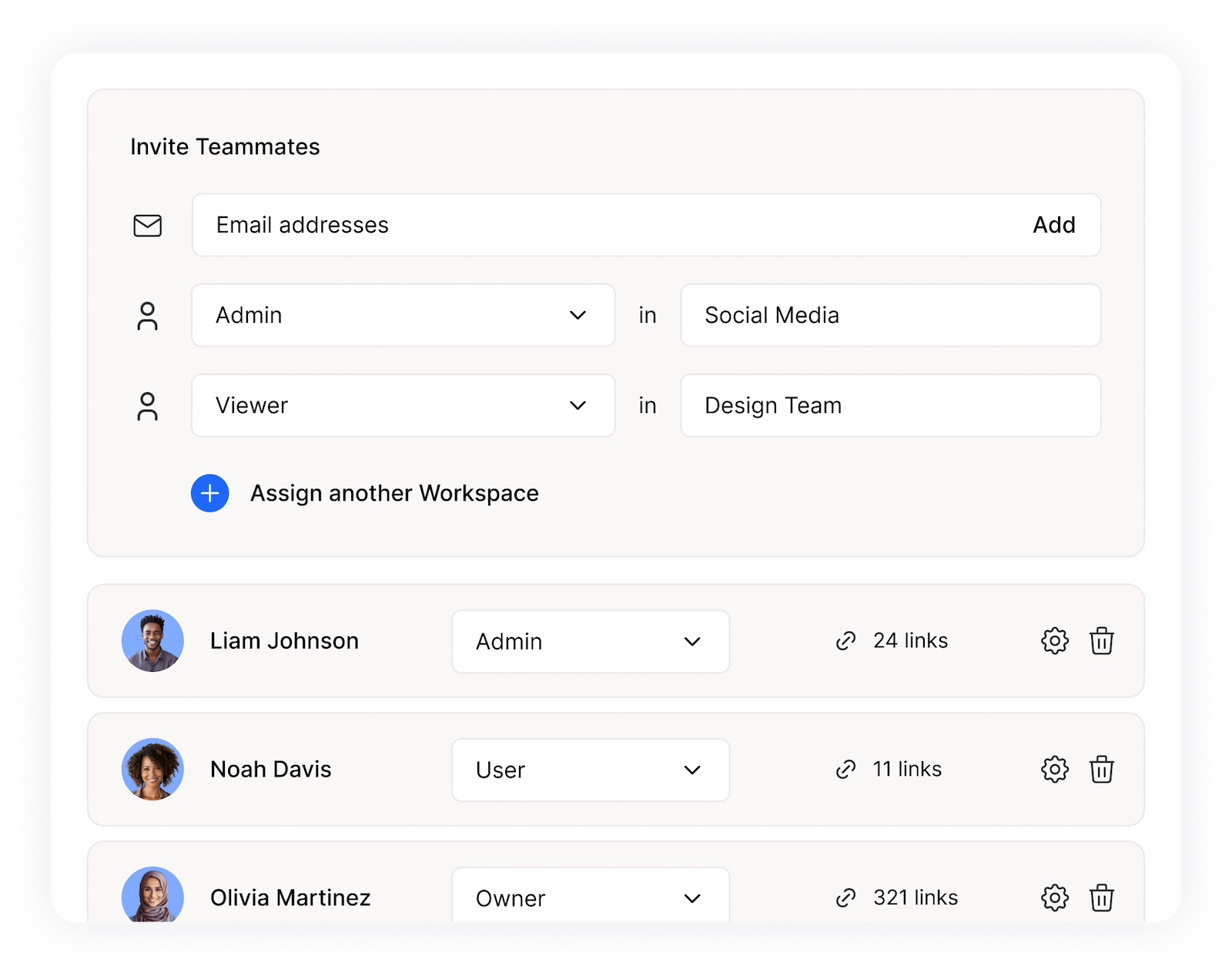
Control access with smart permissions
Control who can create, edit, view, or manage links with five permission levels from Owner to Reviewer.
Fixed seat limits ensure you know exactly who has access. Add or remove teammates as needed.
Set workspace-specific permissions to keep client work separate and secure.
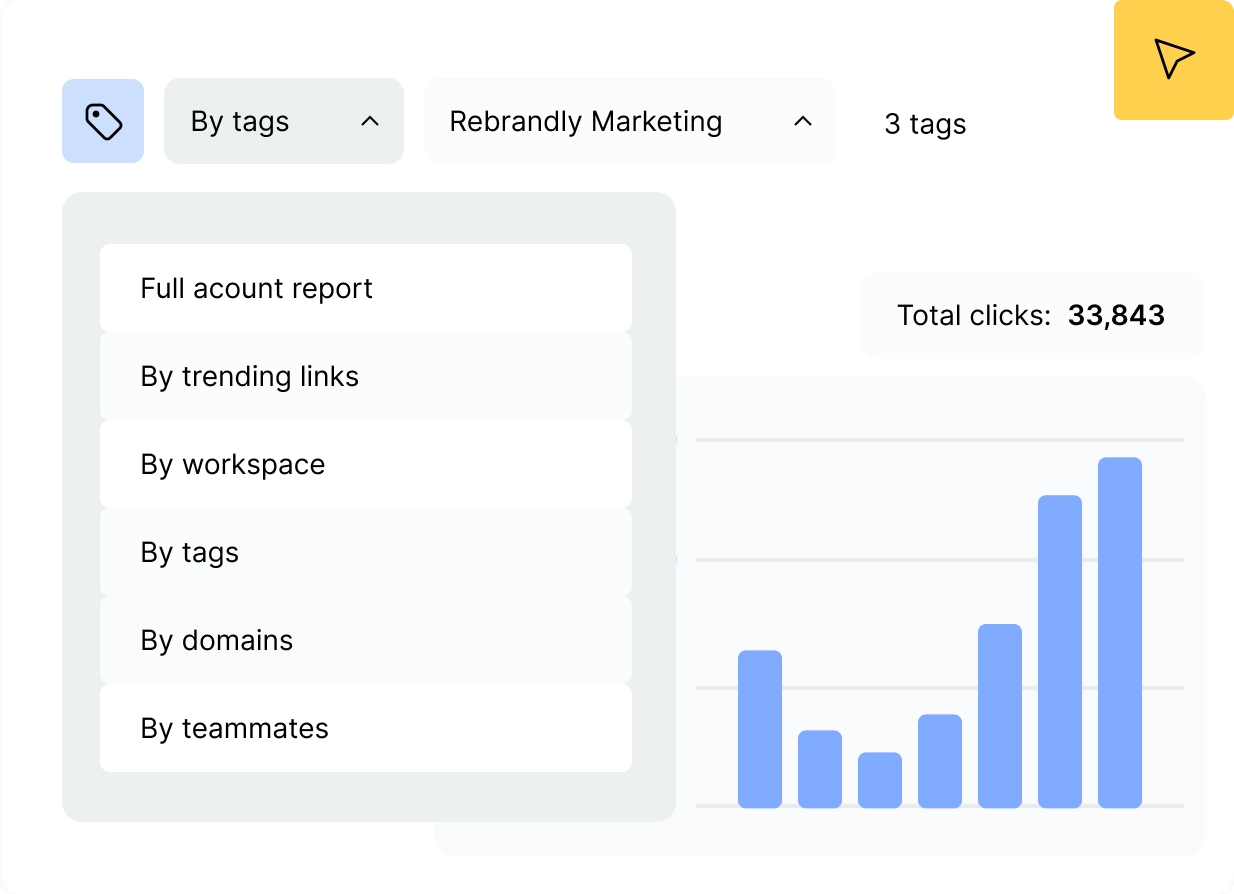
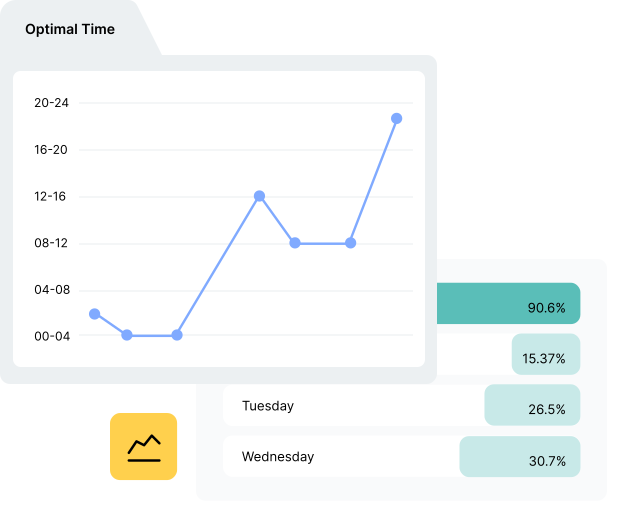
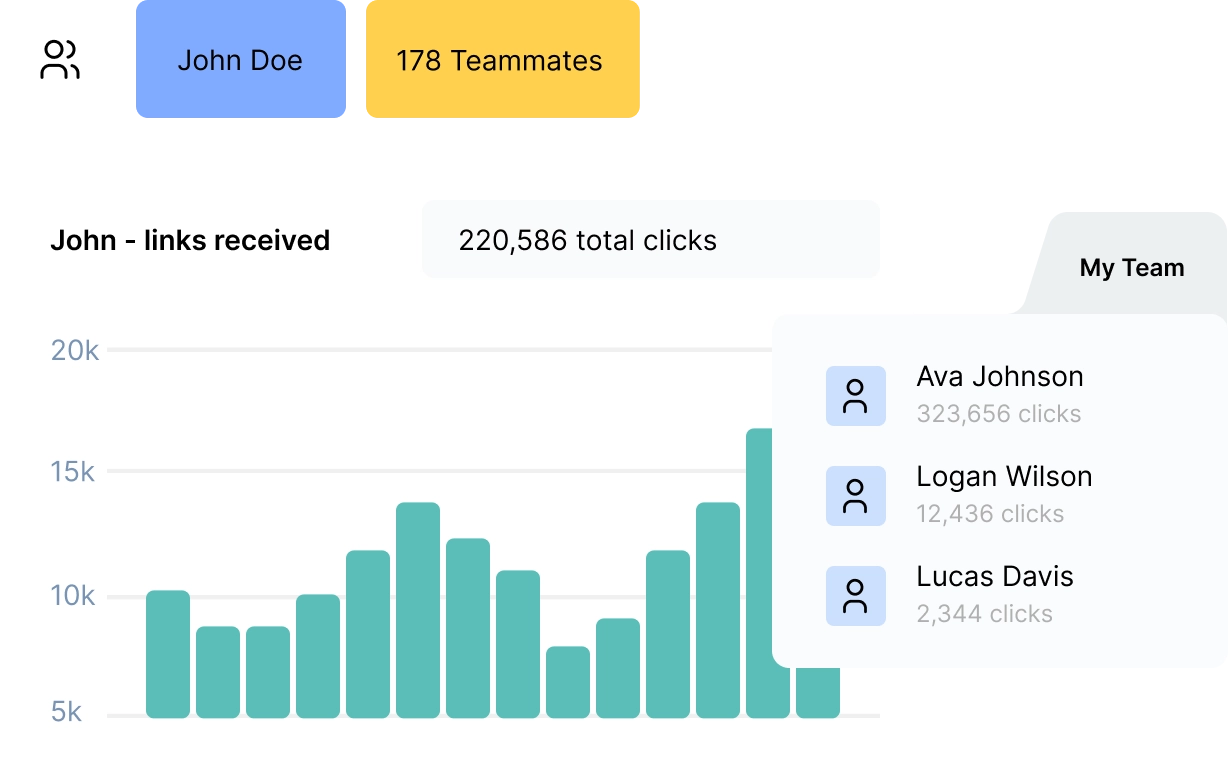
Track performance across teams
See performance by workspace, campaign, or team member and compare across projects.
Create permission-based reports: administrators build, users view stats, reviewers monitor campaigns.
Download reports for stakeholders and share campaign results with clients.
Everything teams need to collaborate

Unlimited workspaces
Create as many as you need (plan dependent).

Flexible teammate seats
Add users based on your plan limits.

Five permission roles
Choose from Owner, Administrator, User, Guest, and Reviewer permission levels.

Workspace-level domains
Assign specific domains to specific teams.
Bulk operations
Import, export, and manage links at scale.

Tag organization
Up to 50 custom tags for categorization

Note collaboration
Reviewers and teammates can add feedback.

Activity tracking
See who created or edited links.

UTM automation
Set parameters at the workspace level.

API access control
Standard workspaces at 10 calls/sec, Extended at 25+ for high-volume needs
Enterprise-grade security
99.99% uptime, SOC 2 Type 2, GDPR and HIPAA compliant




See what our customers say

“Rebrandly is the best. They create a crazy amount of volume with the highest deliverability and performance – more than a million links in a minute.”



“Rebrandly makes it super easy to create short links for the whole team. Before we used Bitly but that coordination was a nightmare. Now we have all our links in one place which also looks amazing.”

“Our URLs are long and people love to add UTMs, so branded links are much clearer for our marketing materials.”


“We chose Rebrandly for its powerful analytics capabilities. We use the platform to share our journalism solutions and training materials with newsrooms worldwide.”


“Rebrandly empowers us to keep tabs on our campaign performance worldwide.”


“Brand affinity is a unicorn for improving trust, click-through-rate and conversions. Rebrandly’s industry-leading tools help marketers brand and manage links for performance boosts across the funnel.”


“Having a short, easily intuitive link is powerful for us.”



Frequently asked questions
What happens to links when I remove a teammate?

Links created by removed teammates remain active and accessible to other workspace members. The removed teammate loses access, but their links continue working.
How many teammates can I add?
The number of teammates depends on your plan. Each teammate occupies a seat, regardless of activity level. You can add or remove teammates to manage your seat count.
What are workspaces in Rebrandly?
Workspaces are separate environments for organizing links, teammates, and domains. Create workspaces for different campaigns, clients, or departments to keep everything organized and control access.
Can I transfer workspace ownership?
Direct ownership transfer isn't supported, but you can grant Administrator access to another teammate for full control. Alternatively, export and import links to a new workspace.
What's the difference between Standard and Extended Workspaces?
Standard Workspaces handle most needs through dashboard and API. Extended Workspaces support millions of links with higher API rates (25+ calls/sec) for high-volume campaigns like SMS.
How do tags work?
Tags are custom labels for organizing links. Use them to categorize by campaign, channel, team member, or any system that works for you. Each account can create up to 50 tags.
What can Reviewers do?
Reviewers can view all workspace links and statistics, add one note per link, and monitor campaigns. They cannot edit links, manage settings, or access advanced features—perfect for clients or stakeholders.
Can I set workspace-level UTM parameters?
Yes. Set default UTM parameters at the workspace level, and they'll automatically apply to all new links created in that workspace. Save time and ensure consistent tracking.

Follow us


Download the app